What this add-on does
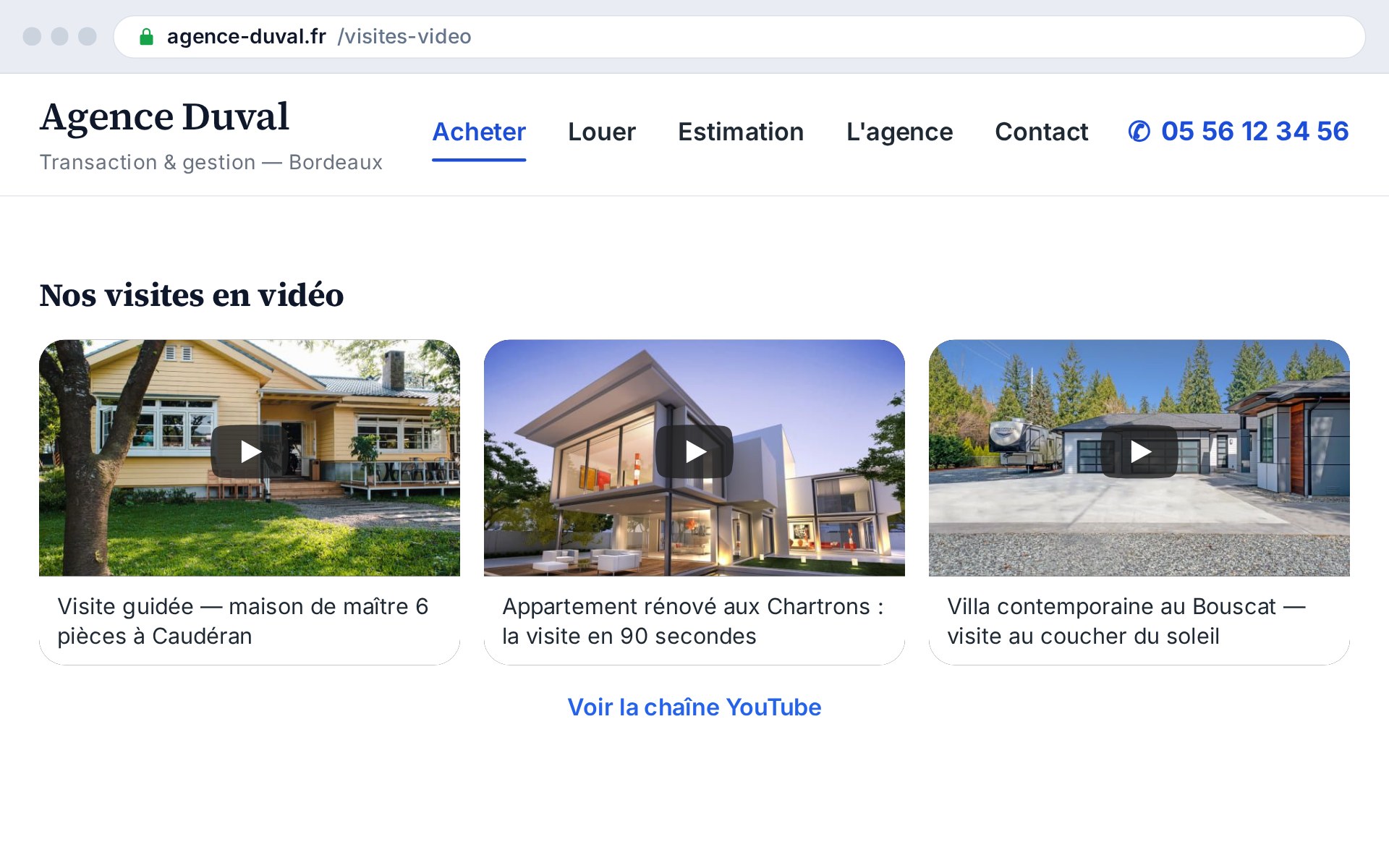
The add-on fetches your YouTube channel's latest videos via the official API and displays them as thumbnails on your site, in the layout you choose. Playback starts in place, on click, in a cookie-less iframe (privacy-enhanced mode).
- Three layouts: grid, slider, carousel
- Cookie-less inline playback (youtube-nocookie)
- Feed fetched via the YouTube API and cached
- Automatic fallback to the last feed on outage
Video holds and converts
A filmed tour is worth a thousand photos: real-estate video grabs attention, conveys a property's volume and atmosphere, and builds trust. By keeping your videos on your own site rather than sending the visitor off to YouTube, you hold them longer and steer them toward making contact.
How it works
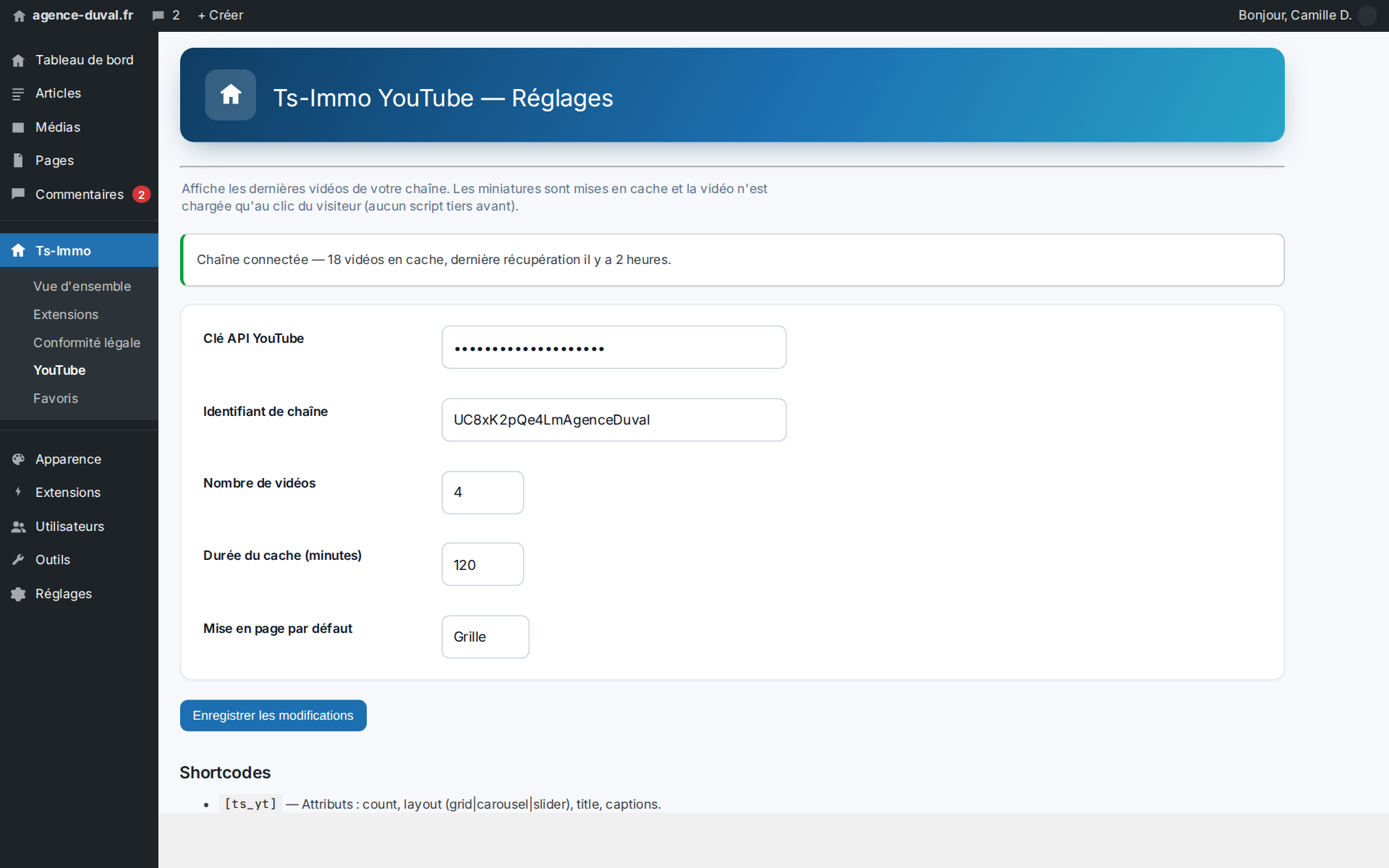
You enter a YouTube Data API key (Google Cloud Console) and your channel ID (UC…). The add-on queries the API, caches the feed to spare the quota, and displays it via the [ts_yt] shortcode you place wherever you want. You choose the layout, the number of thumbnails and the columns.
- Configurable API key and channel ID
- Adjustable cache (minutes) to spare the quota
- [ts_yt] shortcode with attributes
- On-demand “Clear cache” button
A format for every spot
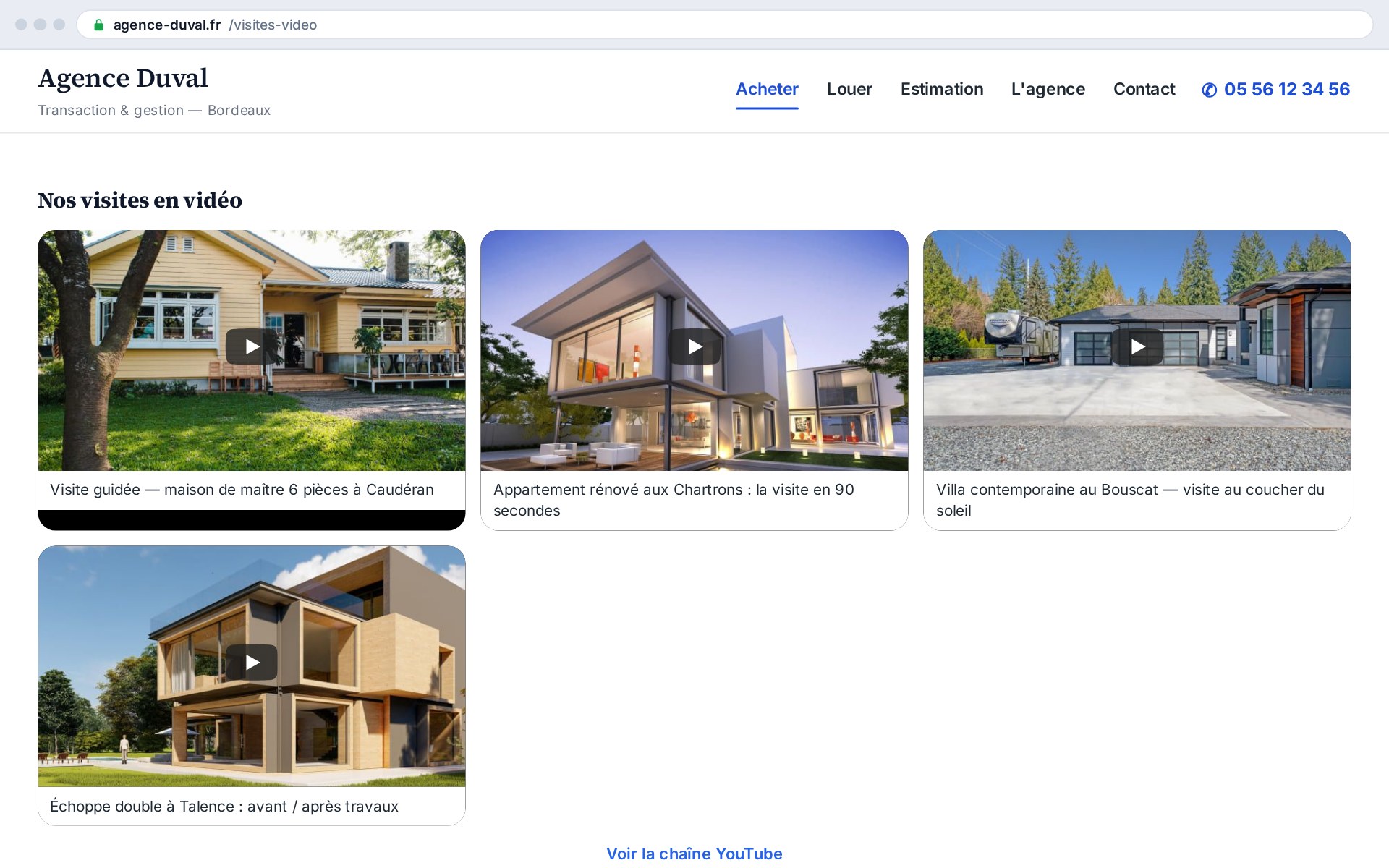
The grid suits an “Our videos” page; the auto-rotating slider spotlights one video in a narrow band; the scrollable carousel fits into a homepage or property-page flow. Same feed, three presentations, with no code to touch.
Before / after at a glance
| Without the add-on | With the add-on |
|---|---|
| Videos invisible on the site | Latest videos displayed live |
| Visitor sent off to YouTube | Playback kept on your site |
| Third-party cookies on load | Cookie-less playback, on click only |
| Manual update of links | Feed synchronized automatically |
Who it's ideal for
Valuable for any agency that produces videos (tours, presentations, testimonials) and wants to showcase them on its own site, and for those wanting to enrich their content and hold visitors longer.