The free foundation, and what Pro adds
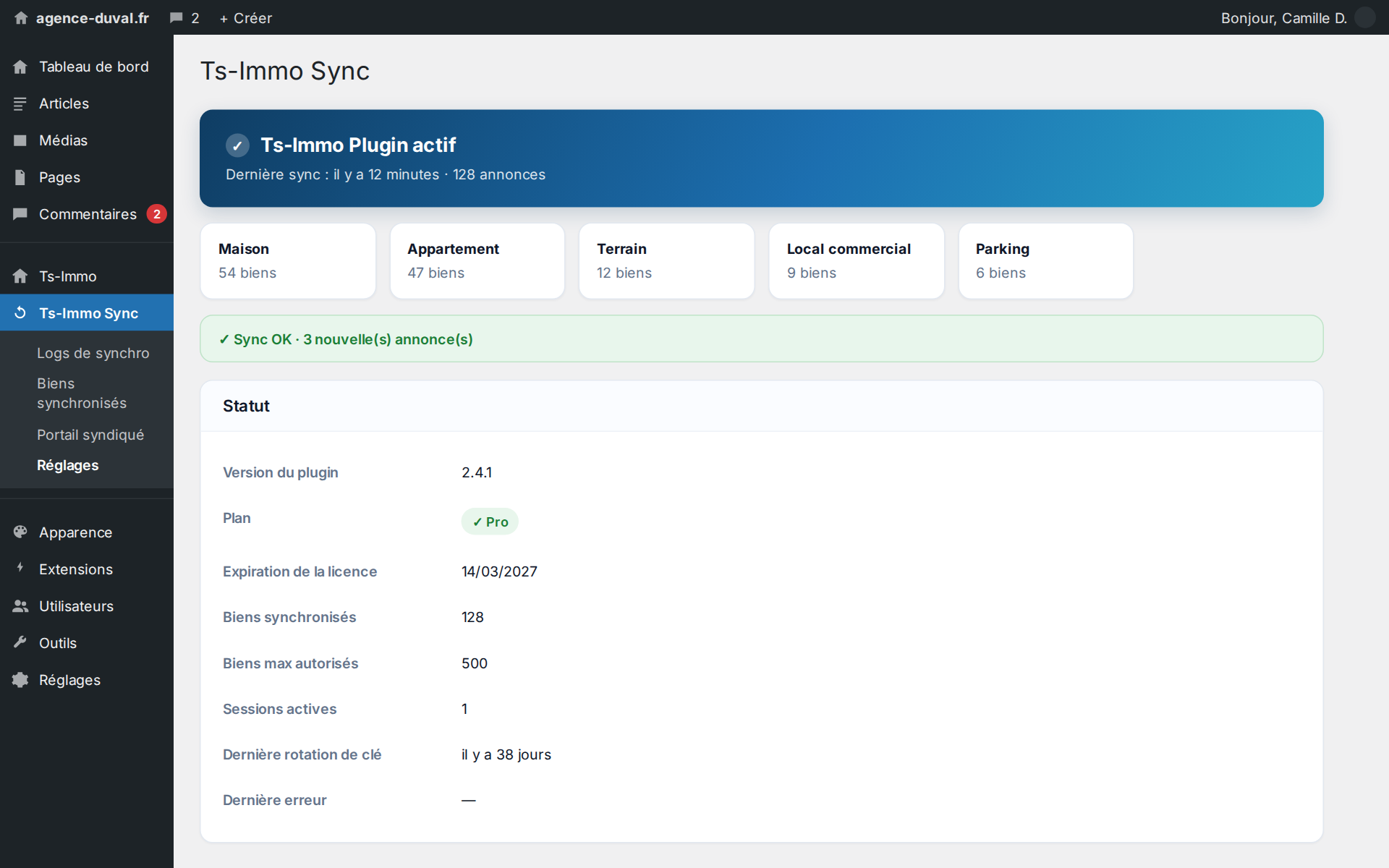
The free Ts-Immo Sync connector does one thing, and does it well: it receives your properties from the Ts-Immo gateway and publishes them on WordPress — text, full-resolution photos, features, taxonomies, removals. That already gives you an always-up-to-date site with no re-entry. Ts-Immo Sync Pro does not replace that foundation: it plugs into it and unlocks the features agencies really need when their website carries the business — several languages, several agencies, and maintenance that asks nothing of you.
- Automatic listing translations (WPML / Polylang)
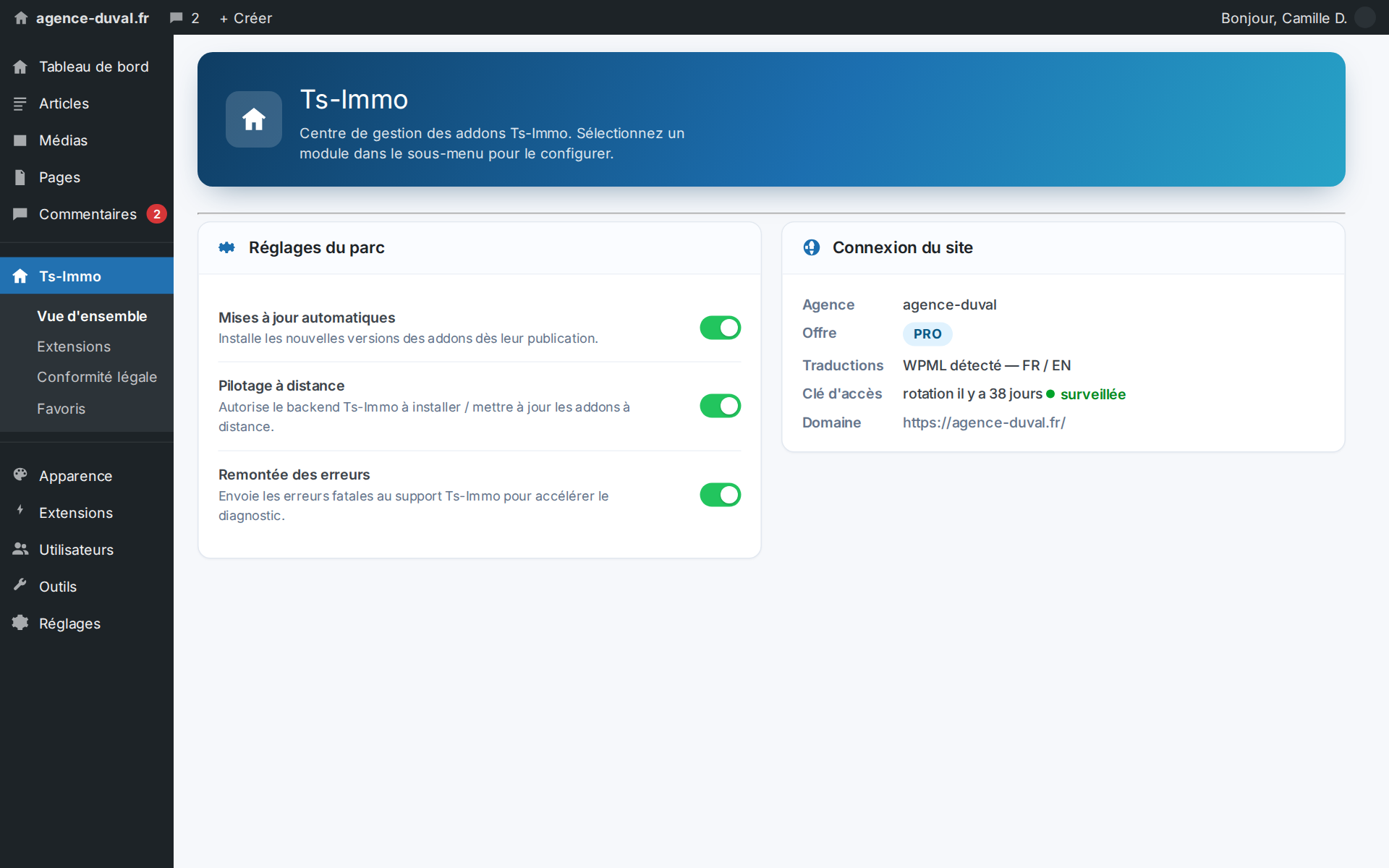
- Remote management and diagnostics by our team
- Access-key monitoring and remote renewal
- Connector updates with zero intervention
- Portal mode: several agencies on a single site
Your catalogue in several languages
As soon as you deal with foreign buyers — second homes, investors, cross-border clients — a French-only site costs you leads. With Pro, every synced property also publishes its translated versions and links them properly inside WPML or Polylang: one page per language, correctly linked, with its own translated taxonomies. Without Pro, the connector stays mono-language and simply ignores the translation block sent by the gateway — leaving no orphan listing behind.
- Works with WPML and Polylang, auto-detected
- One page per language, linked to the main page
- Translated taxonomies picked up automatically
- Clean removal of every translation when a property is withdrawn
Support that doesn't need your WordPress credentials
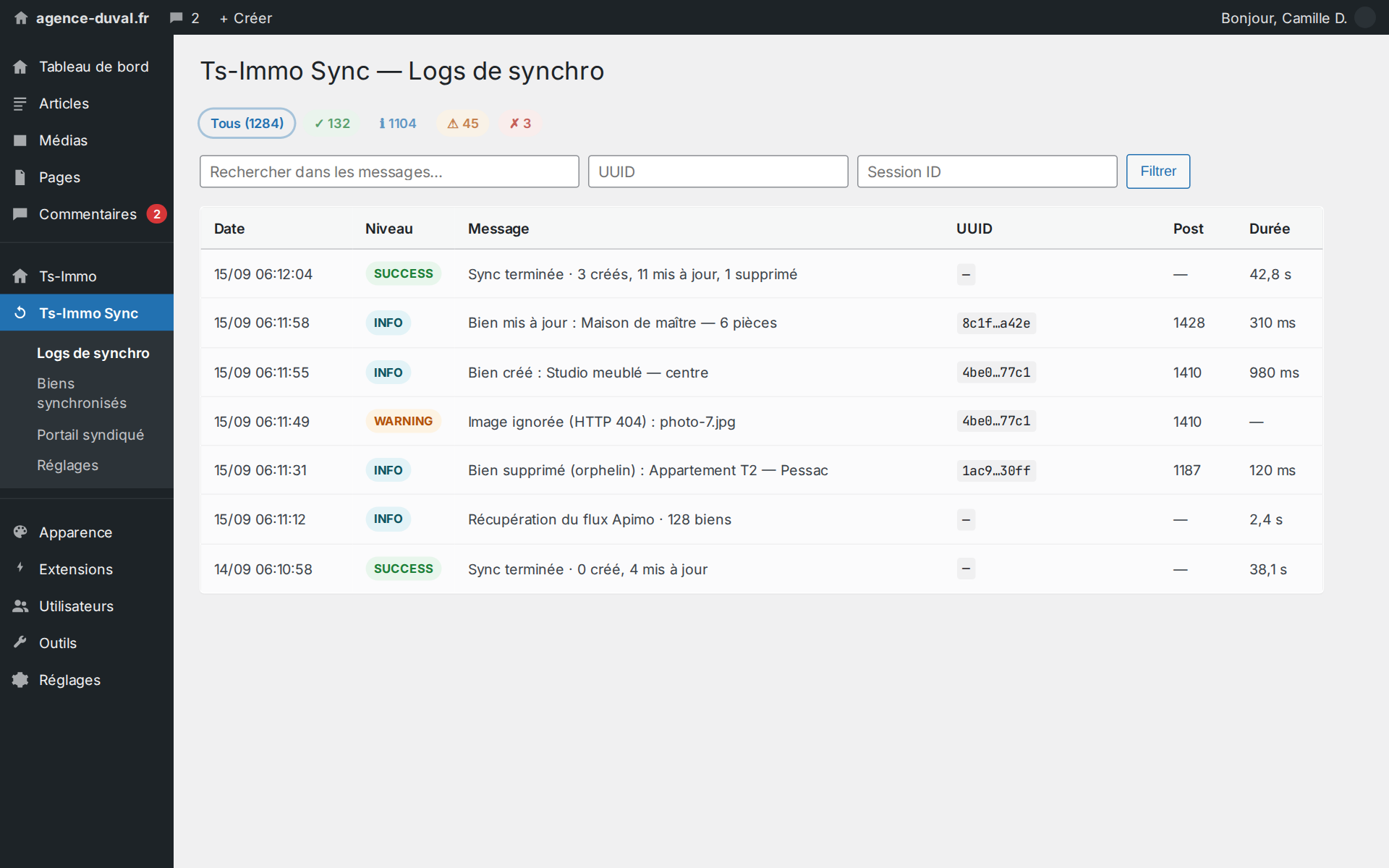
This is the feature you only notice the day something breaks. With Pro, our team can remotely read the sync log, inspect one specific listing, check the site configuration and restart what needs restarting — without you creating an admin account, hunting for a password or relaying messages to your webmaster. A "my new listing isn't showing up" gets diagnosed in minutes instead of a three-day email thread.
- Remote reading of the synchronisation log
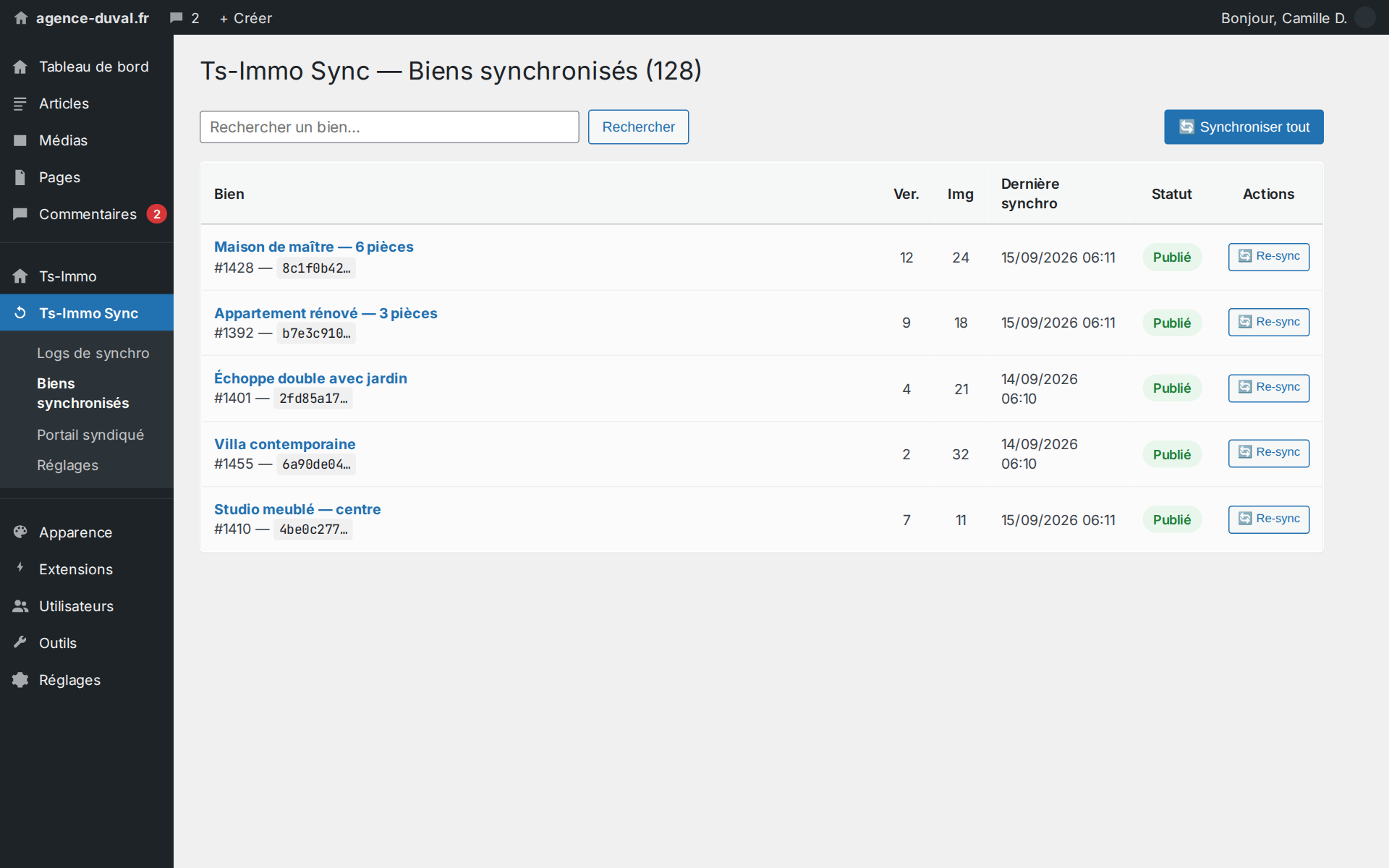
- Inspection of a published property and its sync metadata
- Configuration and permalink checks
- Corrective actions triggered without access to your back office
These actions go through the gateway's authenticated channel. They allow reading the log and, on a site item, only the metadata written by the synchronisation — what diagnostics need, and nothing more. They create no WordPress account, modify none of your content, and open no access to your users or their passwords. In portal mode, reads are further scoped per agency.
Access keys we monitor, and can renew remotely
The link between the gateway and your site relies on an access key. A key that never changes eventually ends up somewhere it shouldn't — a support ticket, an export, a former contractor. Pro schedules a daily check of the key's age and flags it as soon as it is due for renewal; the renewal is then triggered remotely by Ts-Immo, with no sync downtime, or in one click from the settings screen. No deadline for you to track, no key for you to copy anywhere.
Always up to date, without thinking about it
A connector frozen on an old version means a site that quietly falls behind: new fields not picked up, missing fixes, incompatibilities piling up. Pro receives its updates over the Ts-Immo channel and integrates with the Ts-Immo Plugin Manager: the connector, the activation key and all your Ts-Immo extensions are driven from a single place. In managed mode the free connector is even bundled inside the Pro package: one extension to install, nothing to wire up by hand.
- Automatic updates over the Ts-Immo channel
- Activation key provisioned automatically
- Install and lifecycle driven by the Plugin Manager
- Managed build: free connector included in the package
One site, several agencies: portal mode
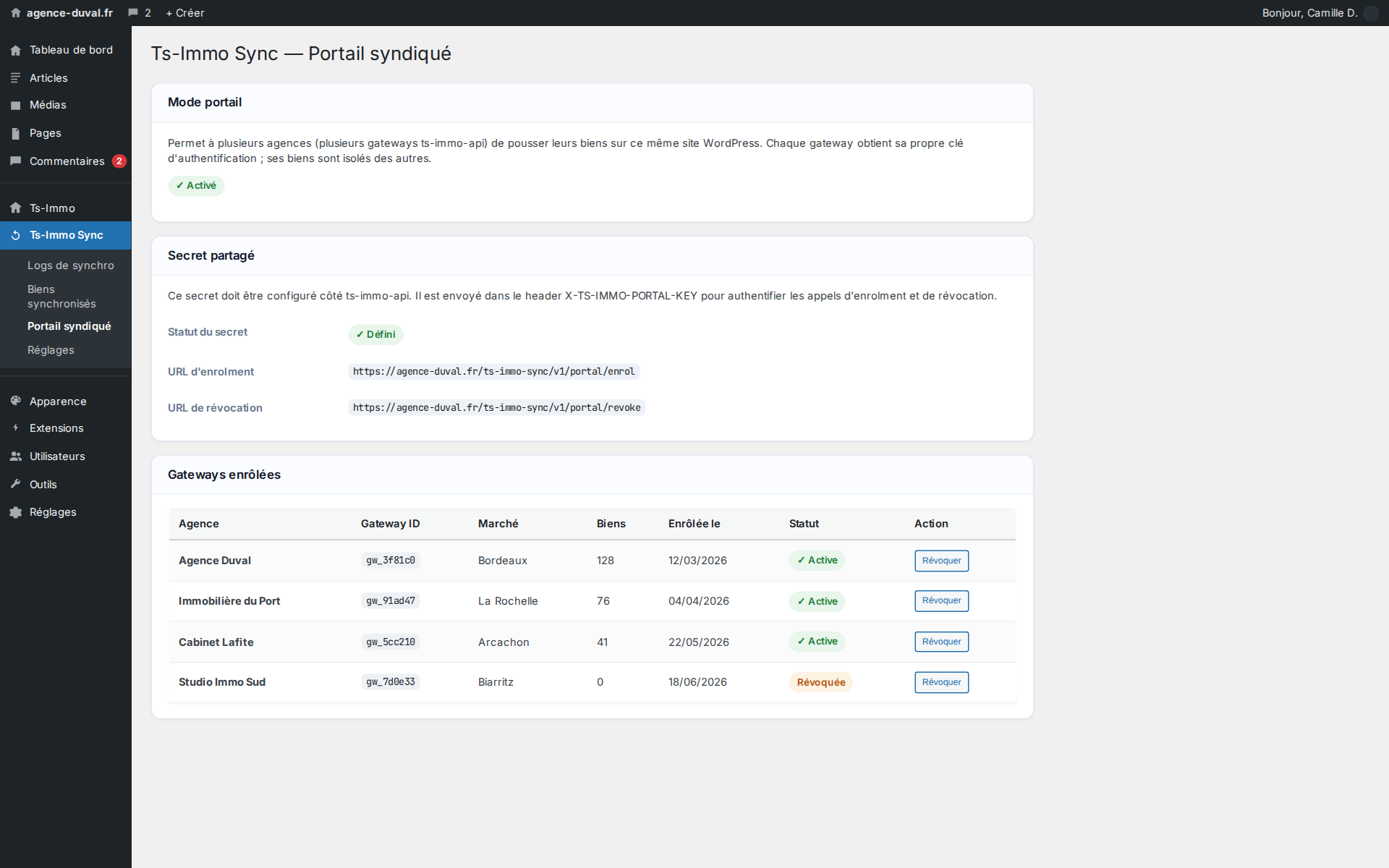
Portal mode turns a WordPress site into a collective showcase: several gateways — meaning several agencies, several notary practices or several brands of the same group — publish their properties on the same site, each with its own key and its own scope. An agency joining the network is enrolled remotely; an agency leaving is revoked, and its listings stop being fed. This is the building block for networks, groups and regional portals.
- Several gateways on a single WordPress site
- A distinct access key per enrolled agency
- Remote enrolment and revocation, no redeployment
- Display template assignable per agency
Free or Pro: the comparison
Both versions sync in exactly the same way: same gateway, same CRMs, same listing pages, same image quality. The difference lies in what surrounds the sync — languages, maintenance, security and multi-agency setups.
| Feature | Ts-Immo Sync | Ts-Immo Sync Pro |
|---|---|---|
| Automatic property import from 20+ CRMs | Yes | Yes |
| Full-resolution photos, features, taxonomies | Yes | Yes |
| Automatic removal of unpublished properties | Yes | Yes |
| Synchronisation log in the admin area | Yes | Yes |
| [ts-immo-field] shortcode and developer hooks | Yes | Yes |
| Foundation for the Ts-Immo display add-ons | Yes | Yes |
| Multilingual site (WPML / Polylang) | — | Yes |
| Remote management and diagnostics by our team | — | Yes |
| Access-key monitoring and remote renewal | — | Yes |
| Automatic connector updates | — | Yes |
| Driven by the Ts-Immo Plugin Manager | — | Yes |
| Multi-agency portal mode (syndication) | — | Yes |
How it is installed
Two scenarios, and only one to remember depending on your setup. If your site is driven by the Ts-Immo Plugin Manager, Pro installs like any other Ts-Immo extension and bundles the free connector: nothing else to install. If your site is standalone, you keep the free connector in place and Pro plugs into it. Either way, syncing continues uninterrupted: no re-entry, no re-import, no URL changes on your listing pages.
A site is either managed or standalone — never both. Our team tells you which setup matches your installation.